
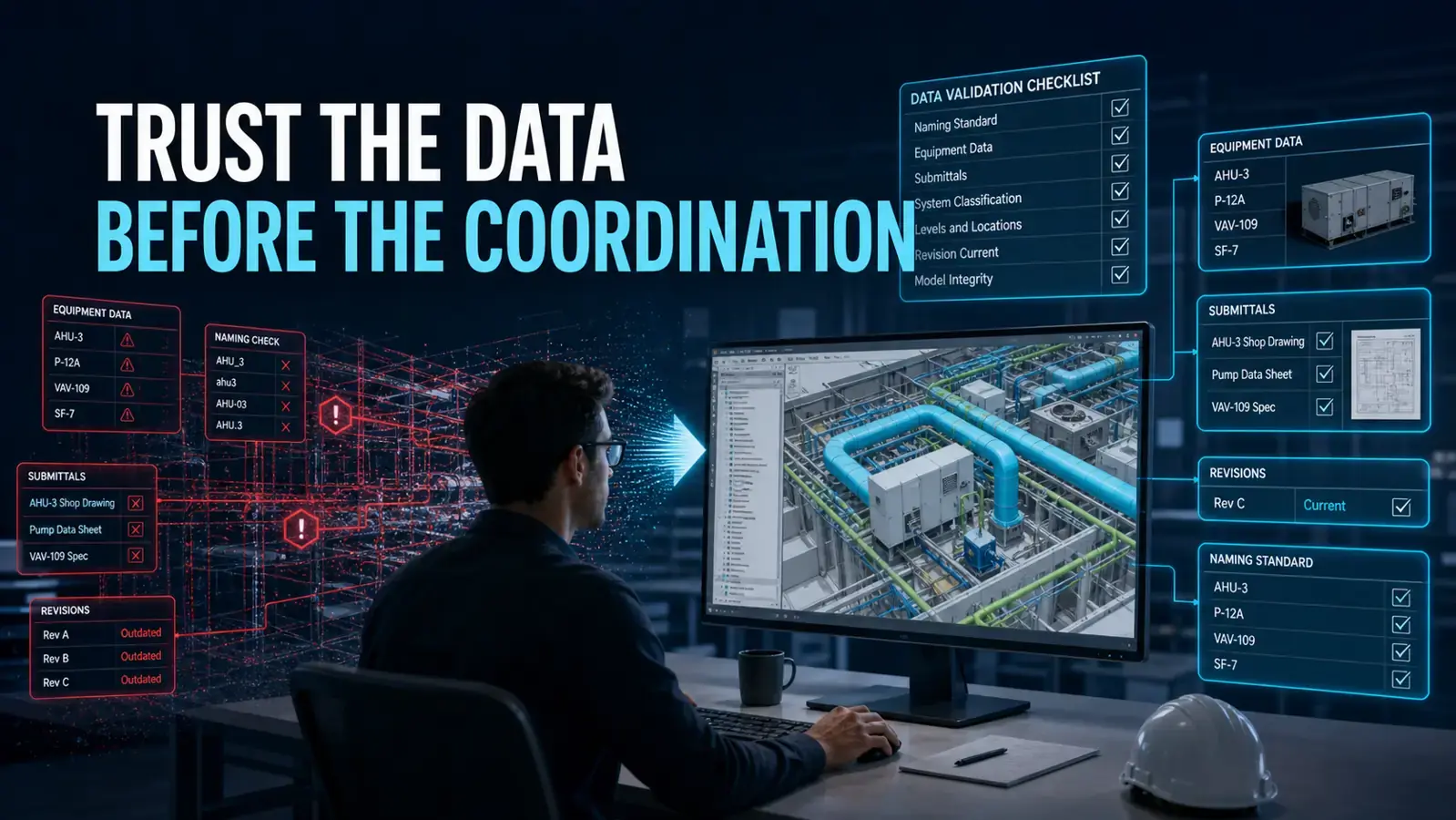
Trusted BIM Data Before Coordination: Why Model Standards Matter

Updated: Aug 30
BIM coordination is often discussed as a geometric process. Models are federated, clashes are detected, and systems are moved until the available space is coordinated.
But geometry is only reliable when the information behind it is current.
A perfectly placed Revit family can still create rework if it represents an outdated equipment submittal. A clash-free model can still be wrong if the latest ASI, bulletin, or design redline was never communicated to the coordination team.
Submittal Changes Affect the Model
MEP projects frequently receive multiple versions of equipment submittals. Dimensions, connection locations, access requirements, and electrical characteristics can change between versions.
The Revit families used for coordination are commonly created or updated based on these approved submittals. If the coordination team is working from an older version, the modeled equipment may no longer represent what will be purchased and installed.
That affects far more than the family itself. Connected conduit, cable tray, ductwork, piping, supports, housekeeping pads, and required service clearances may all need to change.
Keeping a clear record of the current submittal is therefore a coordination requirement, not merely a document-control task.
Design Revisions Must Reach the Detailer
ASI documents, bulletins, sketches, and drawing revisions continue throughout a project. Redlines must be updated, reviewed, and communicated.
Project teams should define who will monitor design-team model updates and issued documents, assess what changed, and communicate the relevant information to the modeling and coordination team. The detailer should not discover a revision after coordination work is already complete.
Without that handoff, the team may resolve every visible clash and still be coordinating against outdated information.
Naming and Classification Reduce Rework
Consistent naming conventions may appear administrative, but they directly affect project delivery.
Clear names help teams:
Identify the correct system, level, area, and model
Understand which revision is current
Filter and review elements consistently
Communicate issues accurately between trades
Automate checks and reports
Onboard new team members more quickly
They also protect continuity when someone leaves a project and another person takes over. If models, files, views, systems, and supporting documents are named and stored consistently, the replacement can understand the project without reconstructing someone else's personal filing logic.
Validate Information Before Running Clashes
Thinkproject’s July 2026 VDC Manager 4.2 release highlights IDS-based model checking for validating naming, classifications, required properties, and project-specific information requirements.
The broader lesson applies regardless of platform: teams should validate information before treating a model as coordination-ready.
A practical pre-coordination check should confirm:
The correct model revision is being used
Current approved submittals are reflected
Recent ASIs, bulletins, and redlines have been reviewed
Required properties and classifications are populated
Naming follows the project standard
Model files are stored in the agreed folder structure
Changes have been communicated to affected trades
DDG's Practical Perspective
Clash detection cannot warn a team that it coordinated the wrong version of a family. It cannot compensate for a design revision that never reached the detailer.
Trusted BIM data begins with disciplined information management. Current submittals, clear revision tracking, consistent naming, and proper communication allow the geometry to mean something.
When these controls are in place, the model is easier to trust. Teams spend less time repeating reviews, rerouting systems after late document updates, or explaining an inconsistent model structure to a new project member.
Source
Thinkproject VDC Manager 4.2 release: https://www.thinkproject.com/news/vdc-manager-product-updates/


Comments